Found a product in a store you like? Paste the link. PriceWake tracks the price.
PriceWake is built around the product link you already have.
- Found a watch in a local store? Paste the link.
- Found headphones on a large marketplace? Paste the link.
- Found the exact model in a small online shop? Paste the link.
Any store. Any product page. One link to start tracking.
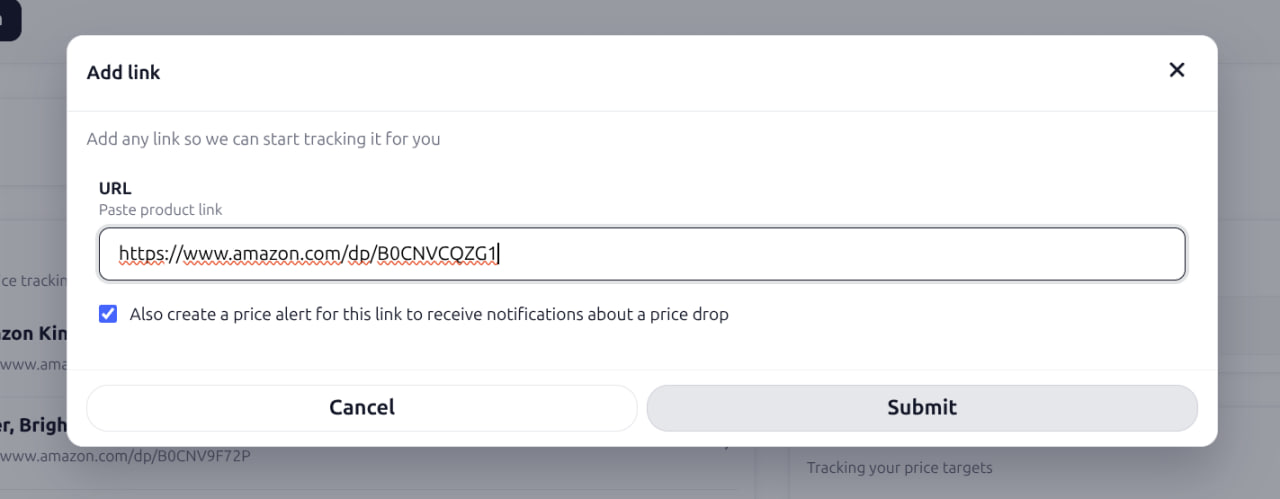
We detect the product and its current price
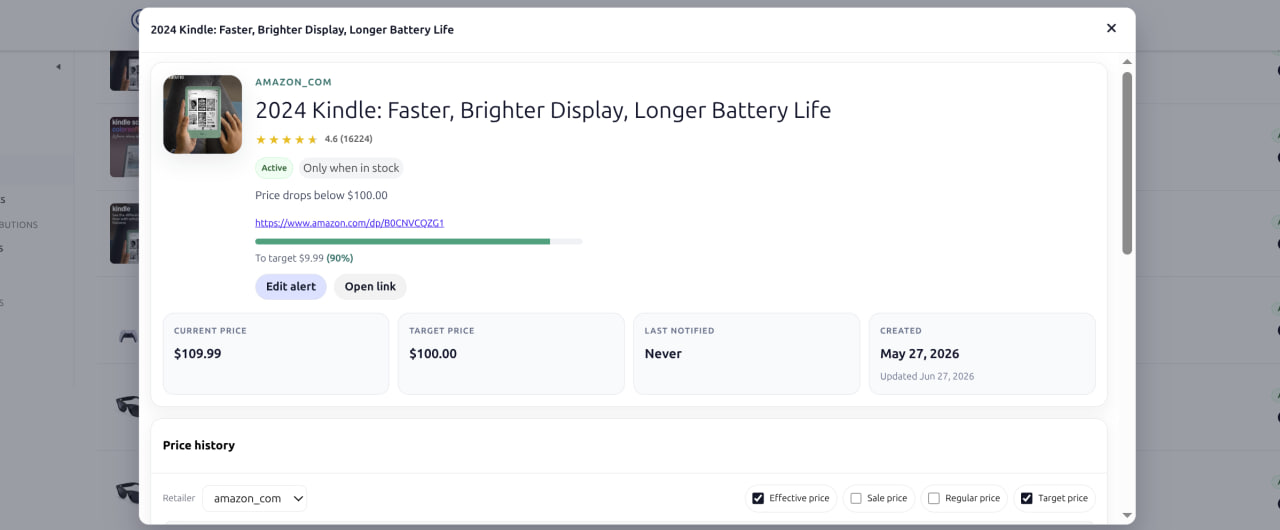
PriceWake reads the product page and creates a tracked product for you.
You get:
- product name;
- current price;
- store source;
- product image;
- a dedicated price-history page.
No more lost bookmarks, screenshots, or ten browser tabs open “just in case.”
We keep watching the price
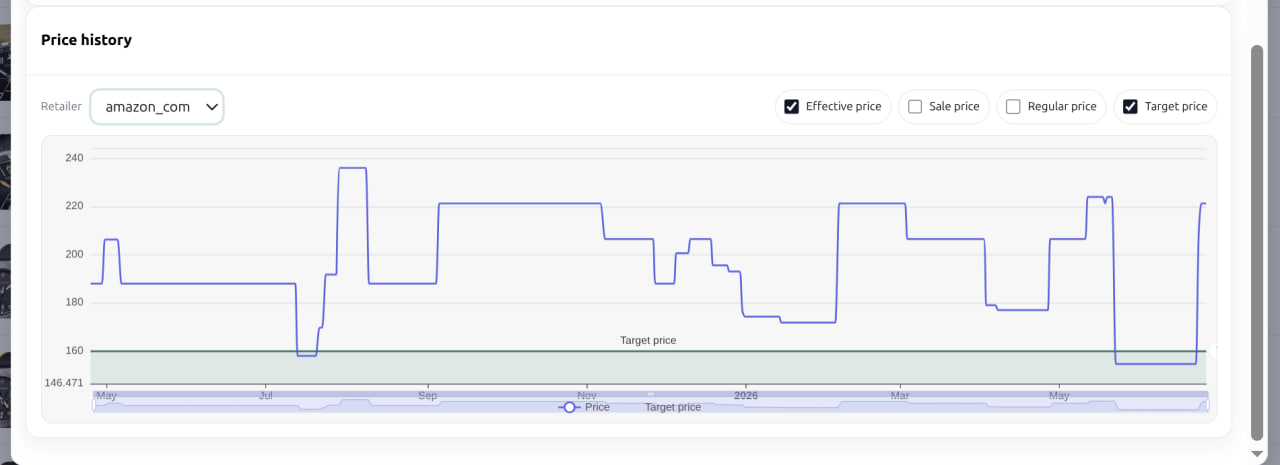
Prices change. Sales end. “Limited” discounts come back a week later. PriceWake checks the product over time and records price changes, so you can see more than just today’s number.
Is this actually a low price?
Has it been cheaper before?
Does the store run this discount regularly?
Is the price moving in the right direction?
Set the price you are willing to pay
Choose your target. Then stop checking manually.
Create an alert when:
- the price falls below your amount;
- the price drops by a percentage;
- the product gets cheaper.
When the condition is met, PriceWake lets you know.
Buy when the price is right
The point is simple.
Find the product anywhere. Add the link once. Let PriceWake do the checking.